Cameras & Motion SensorsFront Door Security 2026: Smart Locks, Doorbells, Sensors, and Package Protection
 Abode June 05, 2026
 The front door is the highest-signal security zone in most homes. It handles visitors, packages, guests, service workers, late-night arrivals, and most daily access. A good front door security setup does not need a pile of devices. It needs the right mix: a lock that controls access, a sensor that confirms the door opened, and a camera only where visual context adds value.
Use this guide to build a 2026 front door setup that improves safety without turning the entryway into a noisy alert machine.
Front Door Security Setup at a Glance
| Need | Best Device | Why It Matters |
|---|
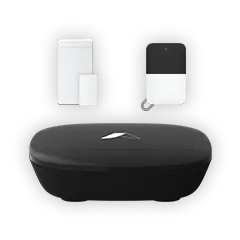
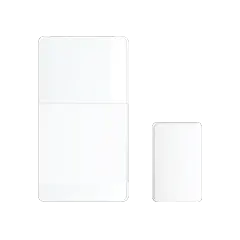
| Know when the door opens | Mini Door/Window Sensor | Confirms entry and exit without recording video. |
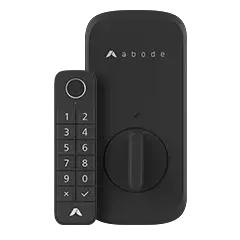
| Control who can enter | Abode Lock | Uses codes and app control instead of spare keys. |
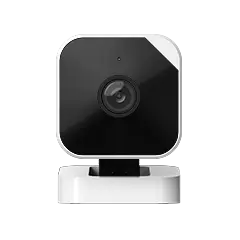
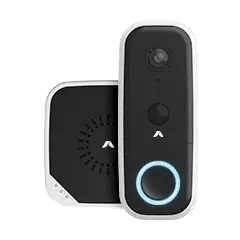
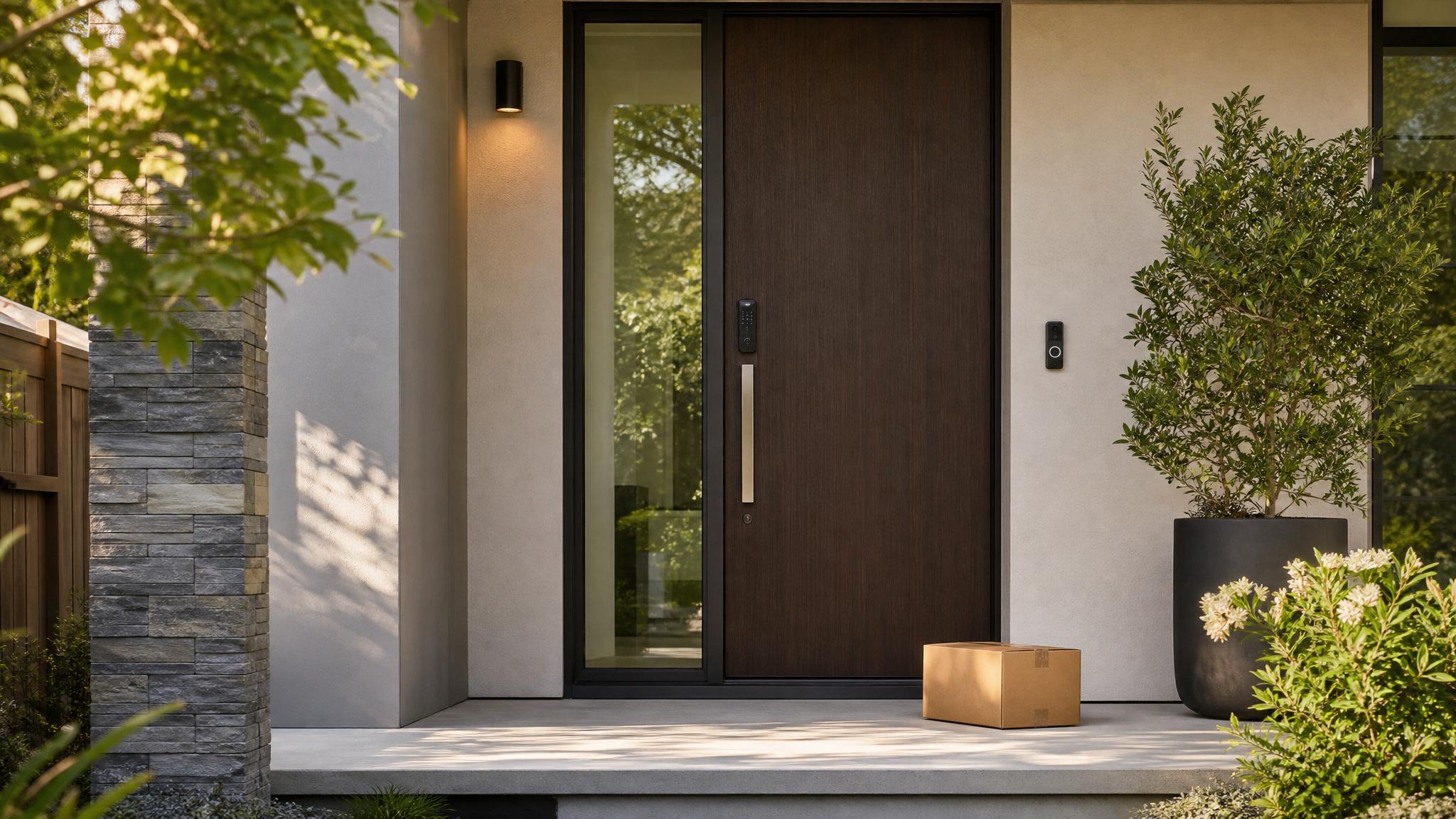
| See visitors and deliveries | Wireless Video Doorbell | Adds visual context for packages, visitors, and missed knocks. |
| Build a full alarm layer | Smart Security Kit | Adds the hub, siren, sensors, and system control behind the front door. |
| Escalate urgent events | Abode plans | Lets you choose self-monitoring or professional monitoring based on risk. |
Start With the Door, Not the Camera
A camera can show what happened near the porch. A contact sensor tells you whether the door actually opened. That difference matters. If the goal is intrusion protection, start with the door sensor and smart lock, then add a doorbell camera for visitor and package context.
For placement rules, use the home security camera placement guide. For privacy settings, read Home Security Camera Privacy 2026.
Use Smart Locks for Access Control
A smart lock is most useful when more than one person needs access. Give each person a code, remove access when it is no longer needed, and check activity history after guests, contractors, or cleaners visit. That is safer than hiding a key and cleaner than changing hardware every time access changes.
If you rent or share a home, match this with a clear access rule: every regular user gets their own code, temporary access expires, and old codes are removed right away.
Make Doorbell Alerts More Useful
Doorbell alerts should answer a real question: Who is there? Did the package arrive? Is someone waiting at the door? Reduce noisy alerts by adjusting motion zones, avoiding public sidewalks where possible, and turning on only the notifications you will actually respond to.
Package Protection Checklist
- Set the doorbell angle so it covers the package drop zone.
- Use motion zones to avoid passing cars or foot traffic.
- Turn on delivery alerts only if they help you respond faster.
- Use a visible light or siren routine if porch activity happens late at night.
- Keep clip retention short unless package disputes or travel make longer access useful.
When Monitoring Is Worth It
Self-monitoring can work well when you are available to respond. Professional monitoring becomes more useful if you travel often, work odd hours, live alone, or want alarm events escalated when your phone is off. Compare Abode plans before deciding so monitoring, storage, automations, and backup features are priced together.
Recommended Front Door Setup
Front Door Security for Different Homes
- Apartments: use removable sensors, a compatible smart lock, and a camera only if the lease allows it.
- Single-family homes: combine the door sensor, smart lock, doorbell, and package-zone rules.
- Shared homes: assign unique access codes and audit them monthly.
- Frequent travelers: consider monitoring and camera storage so urgent alerts do not depend on one phone notification.
FAQ
What is the best first device for front door security?
Start with a door/window sensor or a smart lock. Add a video doorbell when visitor and package visibility matter.
Do video doorbells replace door sensors?
No. A video doorbell watches the area near the door. A contact sensor confirms whether the door opened.
Is professional monitoring needed for front door security?
It is optional. Monitoring is worth considering if you travel often, miss phone alerts, or want urgent events escalated when you cannot respond.



 June 07, 2026 Backyard Security 2026: Gates, Patio Doors, Cameras, and Smart Lighting
  Abode Backyards create security gaps that front-door setups miss. Patio doors slide open quietly, side gates get left unlatched, packages sit out of view, and cameras can become noisy if...