Cameras & Motion SensorsHome Security Camera Storage 2026: Cloud, Local, and Privacy Settings Explained
 Abode June 03, 2026
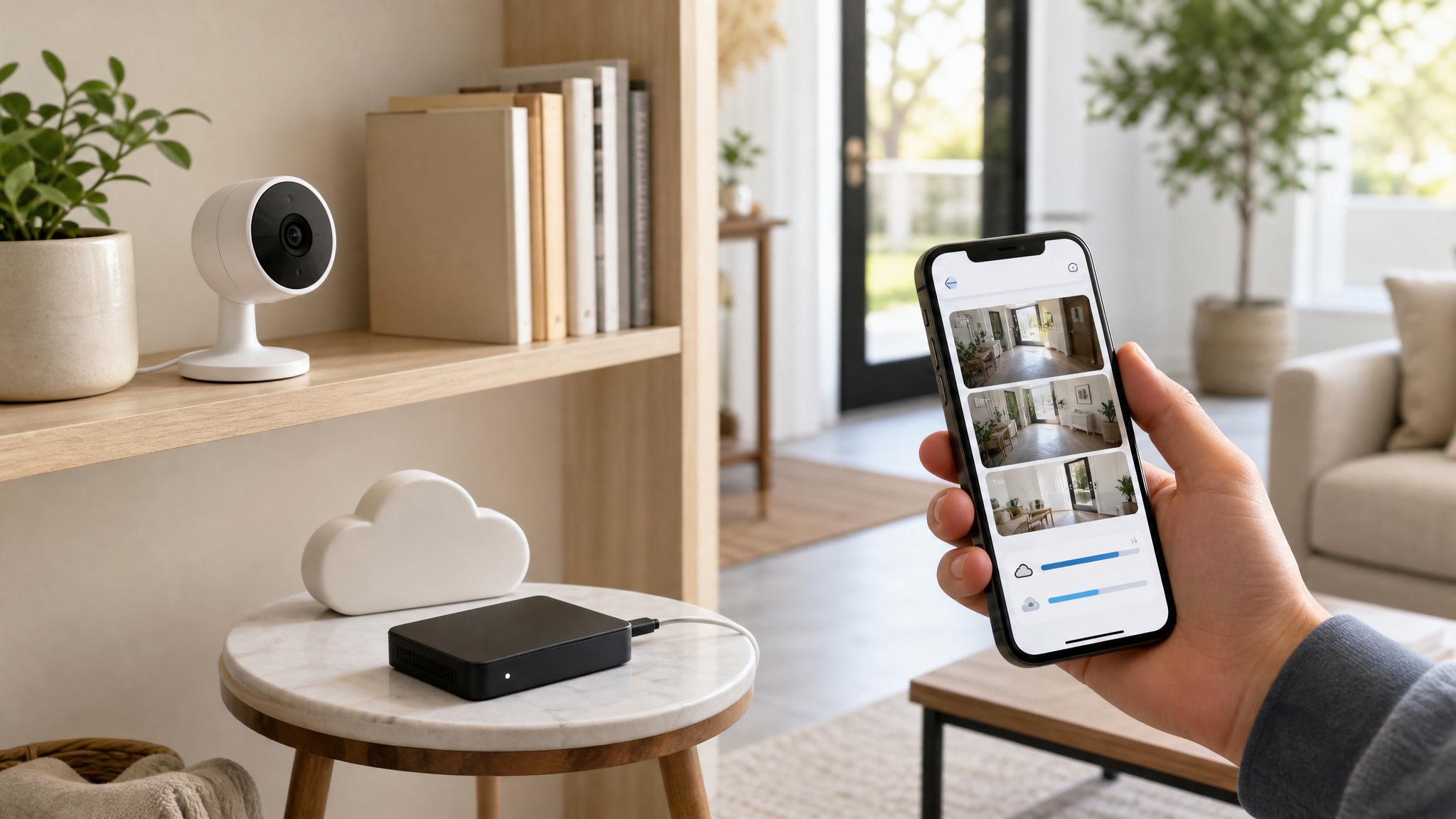
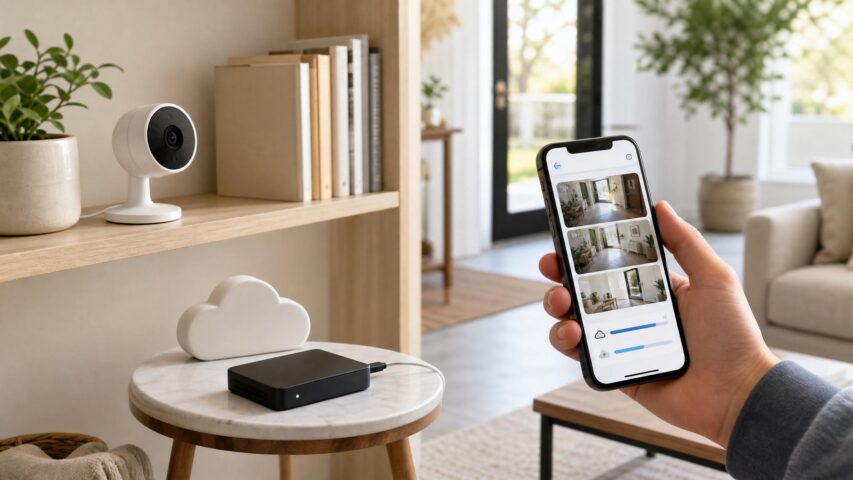
 Camera storage is where home security and privacy meet. A camera can catch a delivery, a driveway event, or a break-in attempt, but every saved clip also becomes data you need to protect. The best 2026 setup is not the one that records the most. It is the one that records the right events, keeps them only as long as needed, and gives the right people access.
Before choosing a storage plan, decide what job each camera is doing. A front-door camera may need reliable event history. A garage camera may only need alerts and occasional review. An indoor camera should usually record less, not more.
Cloud Storage vs Local Storage
| Option | Best For | Trade-Off |
|---|
| Cloud storage | Remote access, stolen-camera protection, multi-user review, easier event history | Monthly cost and more account-security responsibility |
| Local storage | Plan-free recording, privacy-conscious buyers, lower recurring cost | Clips may be harder to access remotely and can be lost if hardware is damaged or stolen |
| No recording | Live view, low-risk zones, privacy-sensitive spaces | No clip to review after an event |
When Cloud Recording Makes Sense
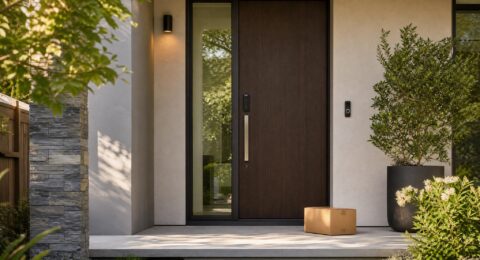
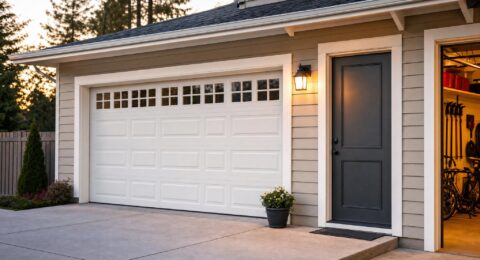
Cloud recording is useful when you need proof after the moment has passed. Front doors, driveways, garages, and package zones are the clearest fits because those clips often answer a real question: who came to the door, when did a package arrive, or what happened near the vehicle?
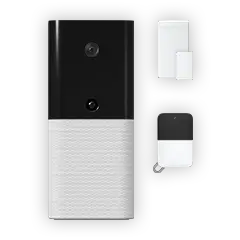
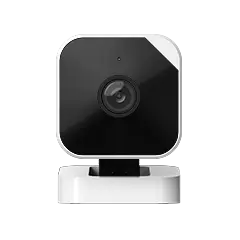
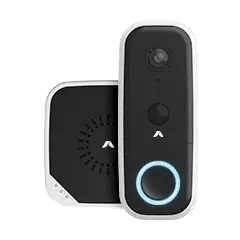
If you are setting up a front-door camera, compare the Wireless Video Doorbell. For flexible camera coverage, review the Abode Cam 2. Then check current Abode plans so storage, automations, cellular backup, and monitoring are considered together.
Where Local or Limited Recording Is Better
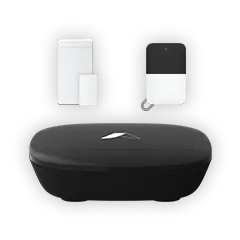
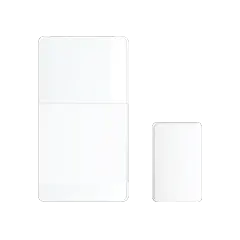
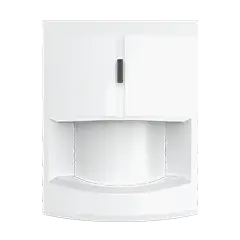
Local or limited recording can be the cleaner choice for indoor spaces, low-risk zones, or homes where privacy is the main concern. If a sensor can do the job, use the sensor first. A Mini Door/Window Sensor can tell you a door opened without recording the room. A Motion Sensor can cover activity without saving video.
Retention Settings Matter
Longer retention is not automatically better. A good default is to keep clips long enough to review missed alerts, deliveries, and incidents, then delete what no longer has a purpose. If you rarely need old clips, keep retention shorter. If you travel often, manage rentals, or monitor a detached structure, longer access may be worth it.
Use Zones Before You Pay for More Storage
Motion zones and privacy zones reduce noise and keep storage focused. For example, a driveway camera should watch the driveway, not every passing car. A doorbell should cover the porch and package area, not the full street. Start with the home security camera placement guide, then adjust zones after a week of real alerts.
Camera Storage Privacy Checklist
- Name each camera clearly so clips are easy to understand.
- Turn off recording in rooms where video is not needed.
- Use motion zones to avoid saving irrelevant clips.
- Review who has access to camera history every month.
- Remove old app users after moves, staffing changes, or roommate changes.
- Match retention length to actual review needs, not fear.
- Use strong passwords and two-factor authentication where available.
Storage and Monitoring Are Different Decisions
Camera storage helps you review what happened. Professional monitoring helps when an alarm event needs escalation. Do not confuse the two. For many homes, the strongest setup is sensors plus optional monitoring for intrusion events, with cameras placed only where visual confirmation adds value.
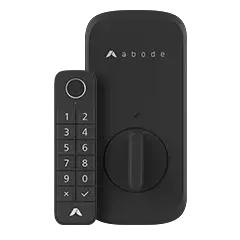
Recommended Abode Setup
For privacy placement rules, read Home Security Camera Privacy 2026.
FAQ
Is cloud storage worth it for home security cameras?
It is worth it for higher-value zones where you may need clips later: front doors, garages, driveways, and package areas. It is less useful in rooms where recording creates more privacy risk than security value.
How long should security camera clips be saved?
Keep clips only as long as you need to review missed alerts, deliveries, visitors, or incidents. Shorter retention is better when long history does not serve a clear purpose.
Do I need cameras in every room if I have cloud recording?
No. Sensors should do most of the security work. Cameras should confirm events in specific zones, not record normal life across the whole home.




 June 07, 2026 Backyard Security 2026: Gates, Patio Doors, Cameras, and Smart Lighting
  Abode Backyards create security gaps that front-door setups miss. Patio doors slide open quietly, side gates get left unlatched, packages sit out of view, and cameras can become noisy if...